
AI Widget Generator

Describe a widget. Get a WinCC-ready SVGHMI file.

Type what you need in plain words. The AI builds the geometry with code, validates it, and hands you a file that opens in WinCC Unified — then you refine it by talking to it.

Describe0/1000
Sign in to generate widgets with AI.
Result
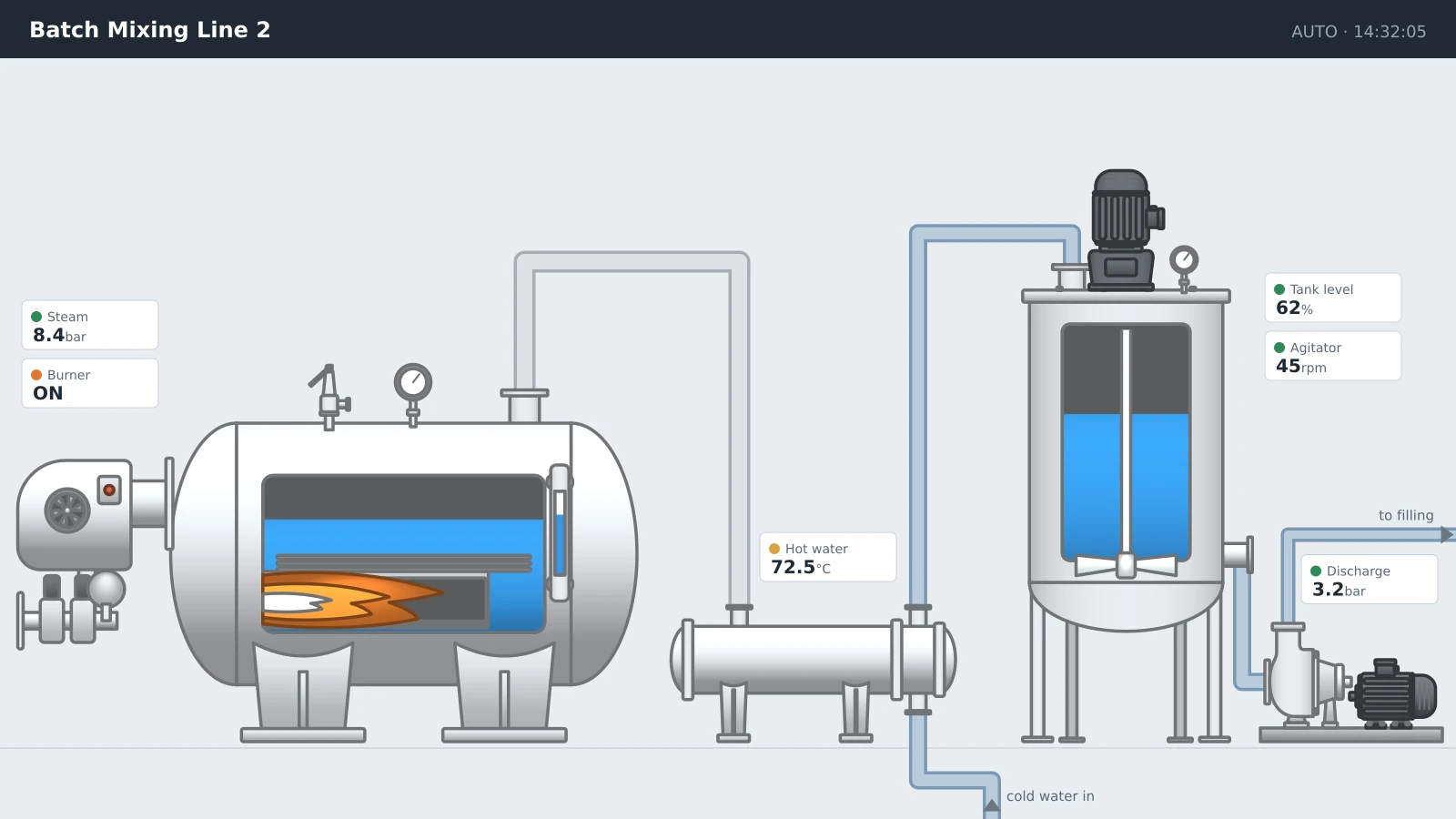
validated · renders in WinCCExample generated widgetexample
Example — describe yours to generate
How it works

Three steps, no drawing tools

STEP 01

Describe it

“A 270° pressure gauge, 0–10 bar, green-amber-red zones, needle, value in the centre.” Plain words — no XML, no coordinates.

STEP 02

AI builds & validates

Code composes the tricky geometry (arcs, needles, scales); the AI styles it. Every file is validated so it opens in WinCC Unified.

STEP 03

Refine by talking

“Make the labels bigger”, “change the range to 0–200”. It edits the same widget instead of starting over. First 3 edits are free.

Examples

Start from a proven widget

Click any example to load its prompt — then generate and make it yours.

Geometry that doesn’t drift

Scales, needles and arcs are composed in code — not guessed by the model — so gauges are correct every time.

Opens in WinCC Unified

Every file passes structural validation and renders before you download. No broken widgets.

Edit, don’t regenerate

Follow-ups change the widget you have. No more losing a good result to a fresh roll of the dice.

FAQ

Questions engineers actually ask

Still stuck? Write to support@svghmi.pro — a human answers.

What exactly do I get at the end?
A .svghmi file — the widget format Siemens WinCC Unified uses. You download it and add it to your project like any other widget. It is not a picture: the geometry is real SVG, and the dynamic properties are already wired up as bindings you can drive from tags.
Will the widget actually open in WinCC?
Yes — that is checked before you ever see it. Every generated file goes through structural validation and is rendered on our side; if something is off, the AI fixes it and validates again. You only get a file that passed. The badge above the preview tells you whether it validated cleanly or needed an auto-fix.
How many credits does this cost?
Generating a widget costs 2 credits. The first 3 edits of that widget are free, after which each further edit costs 1 credit. Importing an image or SVG costs 1 credit. On the unlimited plan there are no credits — you get 100 AI generations per month instead.
What if the generation fails or I do not like the result?
If a generation fails on our side, the credits are returned to your balance automatically — you will see a note saying so. If it simply is not what you pictured, describe the change in the box under the preview and it edits the widget you already have instead of starting over; the first 3 edits are free. You can also ask for a different variant of the same prompt for 2 credits.
Can I change the widget after it is generated?
In three ways. Talk to it — "make the needle red", "set the range to 0–200" — and it edits the same widget, keeping everything you liked. Adjust the dynamic properties directly in the preview to see how it looks at different values. Or open the layout editor to move and delete individual elements. Every revision is kept, so you can always go back to an earlier one.
What is the difference between describing a widget and importing an image?
Describing gives you an interactive widget with dynamic properties you can bind to tags. Importing traces an existing PNG, JPG, WEBP or SVG (up to 9 MB) into clean SVGHMI geometry, but the result is static — it will look right and render fast, without bindings. Use import when you already have artwork or a company symbol; describe when you need the widget to react to process values.
How should I write the prompt?
Concrete beats poetic. Name the type of widget, the ranges and units, the colours and what should be shown as text — for example "a 270° pressure gauge, 0–10 bar, green-amber-red zones, needle, value in the centre". You have 1000 characters. If you are unsure, click one of the example widgets below to load a prompt that works and edit it from there.
What do Precise, Balanced and Creative change?
How much licence the AI takes with your description. Precise sticks closely to what you wrote and is the safest choice for standard instrumentation and P&ID symbols. Creative allows more interpretation of styling and detail, which helps for dashboard-style widgets. Balanced is the default and suits most work.
Do credits expire?
No. Credits stay on your account until you spend them — there is no monthly reset and nothing burns down. The unlimited plan works differently: it is a subscription with a monthly allowance of AI generations that resets each billing period.
Why is the generator asking me to buy credits first?
AI generation unlocks after your first credit purchase. It is there to keep automated sign-ups from burning through the generation queue, so paying customers are not left waiting behind them. Any credit pack unlocks it, and the credits you buy are yours to spend as you like.
Credits

Pay per widget you keep

2 credits per generation · 3 refinements included · credits are only spent on downloads, never on conversion.

Starter5 Credits5.00€1.000 / credit
  • Full access, all features
  • Credits never expire
  • Batch processing
  • AI: 2 credits per widget
Basic25 Credits18.00€0.720 / credit
  • Full access, all features
  • Credits never expire
  • Batch processing
  • AI: 2 credits per widget
BEST VALUEBusiness100 Credits50.00€0.500 / credit
  • Full access, all features
  • Credits never expire
  • Batch processing
  • AI: 2 credits per widget
ProfessionalUnlimited290.00 / monthbest value per credit
  • Unlimited credits
  • All connection types
  • Unlimited previews
  • 100 AI generations / month

Have a Question? Get in touch!

Start working with SVGHMI.pro that can provide you with effective tools to create SCADA HMIs and reduce maintenance cost decrease.

Can I purchase as a business?

Yes! Our payment system supports business purchases with Wire Transfer, Purchase Order options, VAT ID registration, and proper invoicing for your accounting department. All transactions are securely processed by PayProGlobal, our trusted e-commerce partner.

Contact us